
Barbershop Website Checklist
A barbershop website should make it easy to choose a cut, understand the price, and book a chair or plan a walk-in. Include your services, barber profiles, real haircut photos, hours, location, and one clear next step.
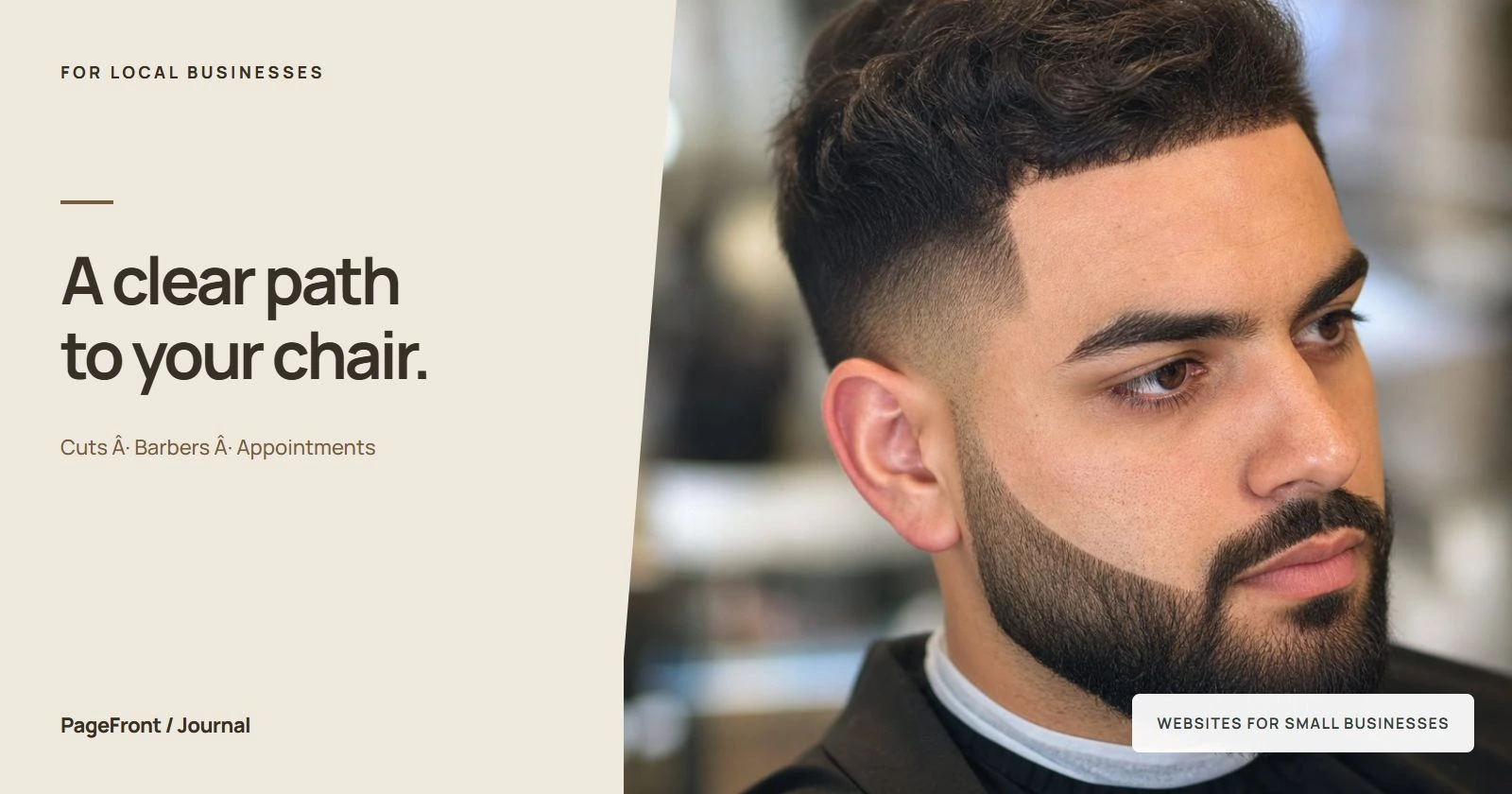
Someone checking your shop between errands may have just a few questions: do you offer the cut they want, what will it cost, and can they come in today? Put those answers where a phone user can find them quickly. Your website should help a first-time visitor arrive prepared, even if they have never seen your social feed.
1. Lead with your shop name, location, and specialty
Show your business name and neighborhood near the top of the page. Describe the work you actually do: classic cuts, skin fades, beard shaping, longer styles, or another specialty. Add an obvious booking button and a short statement about walk-ins.
For example: “Classic cuts and skin fades in Lakewood. Book your barber or walk in during shop hours.” This is sample wording; use your own location and only mention walk-ins if you accept them. Avoid a vague introduction that makes visitors scroll to discover where you are.
2. Build a service menu clients can understand
Use the same service names on your website and booking page. A regular client may know your menu by heart, but a new visitor may not understand the difference between a haircut, a restyle, and a clipper cut.
- Describe the result: explain the service in one short sentence.
- List the price: show the full service price, or explain what changes a starting price.
- Clarify inclusions: say whether a wash, styling, beard trim, or finish is included.
- Show the time: give the appointment length so clients can plan their visit.
- Explain combinations: make a cut-and-beard booking easy to distinguish from a haircut alone.
A useful entry might say: “Haircut and beard trim: includes consultation, haircut, beard shaping, and styling.” Add your actual price and duration. If prices vary by barber or service complexity, explain that beside the menu and link to the matching booking option.
3. Make appointments and walk-ins equally clear
If you take appointments, send the main button directly to your shop's booking page. Use “Book a haircut” when a client can confirm a slot, or “Request an appointment” when you need to approve it. Place the button near the top and again after the service menu.
If you also take walk-ins, explain how they work. Do clients check in at the counter, join an online queue, or call first? Say whether appointments take priority and whether a specific barber is available only by booking. Shop opening hours do not mean every barber has a free chair.
For a walk-in-only shop, make directions, opening hours, and a contact number the main actions. Avoid a “Book now” button that leads to a page where no booking is possible. Do not promise a live wait time unless the information is actually kept current.
4. Help clients choose a barber
Add a short profile for each barber with a clear photo, name, specialties, and the correct appointment link. Describe experience in practical terms, such as the styles they enjoy cutting, rather than giving everyone the same generic bio.
If clients can choose the first available barber, explain that option too. Check that individual links still work when schedules or team members change. A solo barber can use this space for a personal introduction and a few representative cuts.
5. Show real cuts with useful captions
Choose a small set of clear photos of your own work, with permission from the people pictured. Show the range you actually offer. Include angles that help a client understand the cut, and keep lighting consistent so details are easy to see.
Caption photos with the service or style and, where useful, the barber's name. A visitor who likes a pictured cut should know which menu option to choose or how to ask for advice. Add a shop interior or entrance photo so the first visit feels familiar.
Our guide to business website photos covers how to choose a useful starting collection. Genuine customer feedback can sit nearby; use accurate quotes and link to the source when practical.
6. Cover arrival details and shop policies
List the full address, opening hours, phone number, and a directions link. Include a suite number, entrance instructions, or parking details if finding the chair takes more than finding the building. Describe access to the shop accurately.
Explain the policies clients need before they book: deposits, rescheduling, cancellations, late arrivals, and accepted payment methods. If you offer children's cuts, state any relevant age or booking requirements. Keep these details consistent with the booking page and update them when your process changes.
7. Run this barbershop website checklist on your phone
- Find the shop name, location, and booking or walk-in instructions without a long scroll.
- Read each service and check its price, inclusions, and appointment length.
- Match haircut photos to services a client can actually choose.
- Open each barber's booking link and check the destination.
- Verify opening hours, address, directions, and the tap-to-call number.
- Read the policies before entering the booking flow.
- Check that text is readable and buttons are easy to tap.
- Follow the booking flow far enough to understand the confirmation step, without submitting a test appointment into a real slot.
One organized page can cover these basics for a small shop. Separate barber or service pages can help when there is more detail to explain. See our one-page versus multi-page website guide for the tradeoffs.
Start with a free barbershop website draft
PageFront builds websites for small local service businesses. Send your shop details, services, photos, and existing booking link online, then review a free website draft. Keep it live from $39/mo, with no upfront design fee, no contract, and no sales call.
Explore websites for barbershops and PageFront pricing to see how the offer fits your shop.
Help new clients find their next chair.
See a free website draft built around your shop, services, and booking link.
Start your free website draftFrequently asked questions
What should a barbershop website include?
Include your services and prices, real haircut photos, barber profiles, opening hours, location, walk-in policy, and an easy booking or contact option. Explain what each appointment includes so new clients can choose the right service.
How should a barbershop explain walk-ins and appointments?
State whether you accept walk-ins, appointments, or both. Explain how walk-ins join the queue and whether a preferred barber needs a booking. Keep opening hours separate from appointment availability, and avoid promising a wait time you cannot confirm.
Can a barbershop website link to an existing booking system?
Yes. Link directly to your shop or barber booking page and use matching service names and prices. Test the link on a phone and check that clients can tell whether they have confirmed an appointment or only submitted a request.