
HVAC Website Checklist for Local Companies
A strong HVAC website helps a homeowner quickly understand what you repair, where you work, and how to request service. Use this checklist to cover the essentials without cluttering the site or burying the next step.
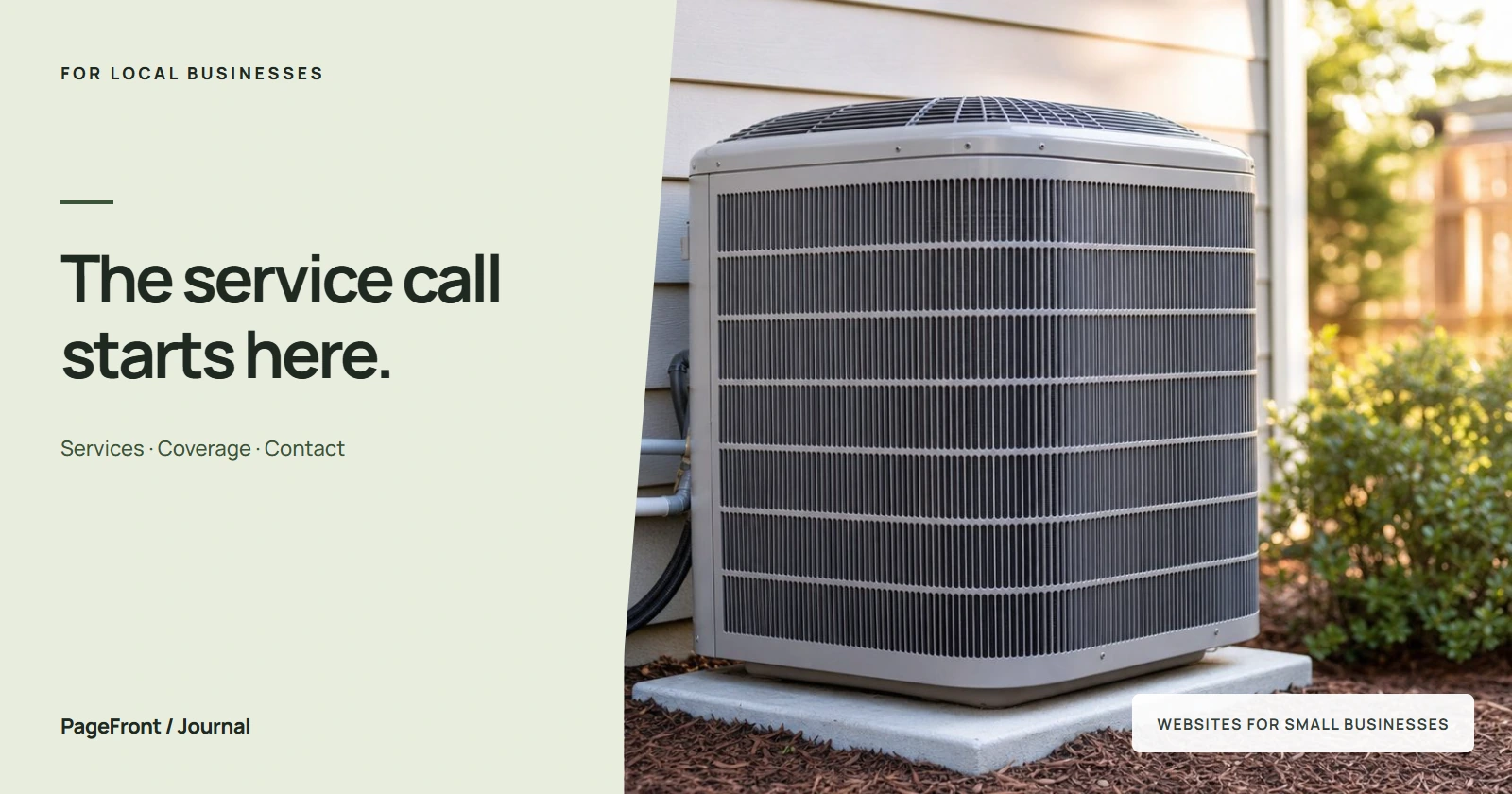
Heating and cooling customers often arrive with an urgent problem: a furnace stopped, the AC is blowing warm air, or a system needs replacement before the next weather swing. Your website should guide them to the right service and set honest expectations.
Start with a clear service summary
Say whether you handle residential, commercial, or both, then name the work you actually perform. Common examples include AC repair, furnace repair, heat pumps, system installation, seasonal maintenance, ductwork, and indoor air quality.
Keep the overview short and link to focused pages for your most important services. A customer should not have to scan a wall of equipment brands to learn whether you can solve the problem.
Create focused heating and cooling pages
Separate pages for major services let you answer the questions that matter for each job. An AC repair page can cover warning signs and scheduling, while an installation page can explain estimates, sizing, efficiency, and financing options you genuinely offer.
Write useful, original information rather than duplicating one generic paragraph across every page. The same principle appears in our guide to what every contractor website should include.
Make service areas and availability accurate
List the cities or neighborhoods you regularly serve and identify your main location or service base. Describe the area naturally instead of repeating dozens of place names throughout the site.
If you offer emergency or after-hours service, state the hours and contact process clearly. Avoid a 24/7 claim unless someone can consistently respond. Accurate details attract better-fit requests and protect customer trust.
Put proof near the request button
- Current license and insurance details where applicable
- Specific customer reviews about repairs and installations
- Real photos of technicians, vehicles, and completed work
- Certifications, manufacturer relationships, and warranties you actively support
- A plain-language explanation of diagnostic fees, estimates, and scheduling
Place the strongest proof beside your primary call-to-action. For more detail, see what makes a local business website look trustworthy.
Design the contact path for mobile customers
Keep the phone number visible, make it tap-to-call, and use a short request form as an alternative. Ask only for information needed to follow up, such as name, contact details, service address, system issue, and preferred timing.
Use one direct label—such as “Request HVAC service”—throughout the site. Customers dealing with a broken system should never have to guess which button starts the process.
Support local search basics
Keep your business name, phone number, hours, and service area consistent with your Google Business Profile. Use descriptive page titles, collect honest reviews, and add real project photos. Our local SEO checklist covers the fundamentals in plain English.
A simple way to launch an HVAC website
PageFront builds websites for small local service businesses with no upfront design fee, contract, or sales call. Send your services, service area, photos, and contact details online, and we create a free draft for you to review.
If it fits your company, keep it live from $39 per month. You see the website before deciding and do not have to build it yourself.
See your HVAC website before you pay.
Share your heating and cooling services, service area, and business details. We will build a free website draft—no upfront design fee, contract, or sales call.
Start your free website draftFrequently asked questions
What should an HVAC website include?
An HVAC website should clearly explain heating, cooling, maintenance, and indoor air quality services; identify the real service area; show licensing, reviews, and warranties; and offer an easy mobile contact path.
Should an HVAC company have separate heating and cooling pages?
Usually, yes. Focused pages for air conditioning repair, furnace repair, installation, and maintenance help customers find relevant information and give search engines clearer context.
How should an HVAC website handle emergency service claims?
State the hours, response area, and after-hours process accurately. Only use terms such as 24/7 when the company can consistently fulfill that promise.
Can PageFront build an HVAC website without a sales call?
Yes. Share your business information online and PageFront builds a free website draft. Review it before deciding whether to keep it live from $39 per month.