
What Every Salon Website Should Include
A salon website should help a new client choose a service, feel comfortable with your team, and understand how to book. Include a clear service menu, useful pricing guidance, real work photos, stylist details, your location and hours, and a booking button that leads to the right place.
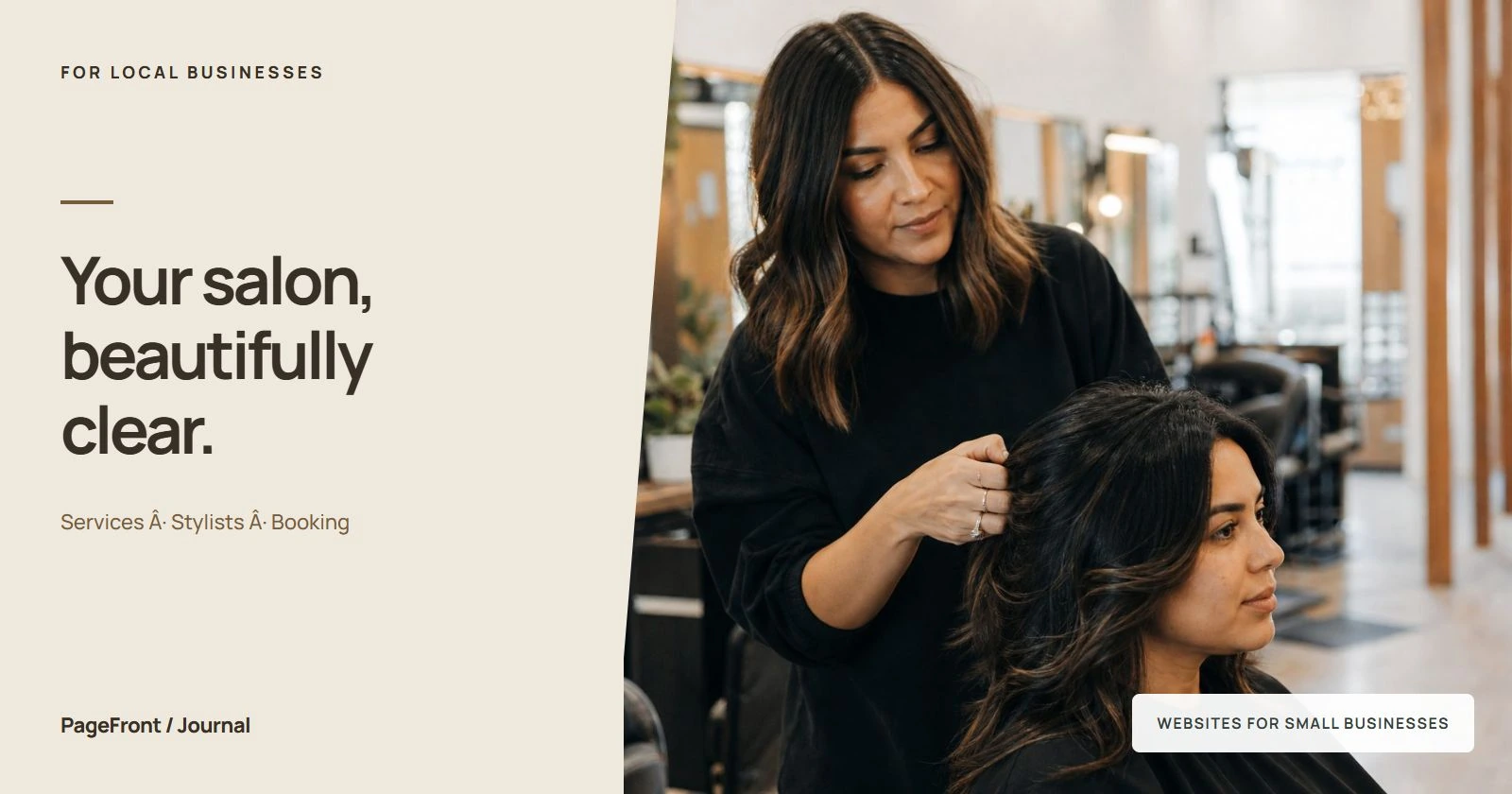
Someone who hears about your salon from a friend may still visit your website before making an appointment. They want to know whether you offer the cut or color they have in mind, who they will see, what to expect, and where to go. Your site should answer those questions without making them search through a social feed.
Start with your specialty and location
Put your salon name, main services, and city or neighborhood near the top of the page. If you focus on curls, lived-in color, barbering, or another specialty, say so in everyday language. Use only specialties that reflect the work your team actually offers.
For illustration, a salon might write: “Haircuts and lived-in color in Lakewood. Meet your stylist, explore services, and book your next appointment.” Replace the service and location with your own. A new visitor should understand the business before scrolling through a gallery.
Place a clear action beside that introduction. “Book an appointment” works when the next page offers confirmed appointment slots. “Request an appointment” is more accurate when your team needs to review the request first.
Build a service menu clients can understand
Group services into familiar categories such as cuts, color, treatments, and styling. Explain unfamiliar names briefly. A client should not need professional salon vocabulary to decide which option to explore.
- Service name: use the name that appears in your booking system.
- What is included: say whether the service includes a consultation, shampoo, cut, or blow-dry.
- Price guidance: give an accurate fixed price, starting price, or explanation of how the quote is determined.
- Time guidance: provide an approximate duration when useful, and explain if it varies.
- Before booking: identify services that need a consultation or a different first appointment.
For example, if a color appointment does not include a haircut, make that clear before a client selects it. If your website and booking menu use different names for the same service, align them so visitors do not have to guess.
Explain pricing without creating surprises
Use “from” or “starting at” only when the amount is a real starting price for that service. Explain the factors that can change the final amount, such as the stylist selected, hair length, service time, or additional work. If a consultation is needed to quote accurately, give clients a clear way to arrange one.
Do not publish a low headline price and leave essential extras unexplained. A short note beside the service is more useful than a vague disclaimer at the bottom of the page. Keep prices consistent across your site and booking destination, and review both when your menu changes.
Introduce the people behind the chair
Add a current photo and a short bio for each stylist who is accepting bookings. Focus on information that helps a client choose: services offered, areas of experience, and how to book with that person. Include qualifications only when you can accurately support them.
If stylists manage their own appointments, label each booking link with the stylist's name. If new clients are assigned through the salon, explain how the team helps them choose. Keep availability claims current rather than promising that everyone is taking new clients indefinitely.
Show real work and the salon experience
Choose a focused set of your own work photos that represents the services you want people to book. Include different examples where they reflect your actual work, and add short captions identifying the service. Get permission before using identifiable client photos.
Add a clear photo of the entrance and an interior view so a first-time visitor can recognize the salon. Avoid using stock hair photos as examples of your team's results. If a photo is inspirational rather than your work, label that distinction clearly.
Our guide to business website photos can help you choose a useful mix. A small, relevant gallery is easier to review than dozens of similar images.
Make the booking path easy to follow
Your website can link to the booking tool you already use. Put that link near the opening section, beside service information, and after the gallery or stylist bios. Keep the button wording consistent so clients recognize the next step.
If a particular service requires a consultation, link to the consultation option or explain how to request it. Avoid sending every visitor to a long, unexplained menu. Offer a contact option for someone who is unsure which service to select.
Test the whole path on your phone. Check that the button opens the correct salon or stylist, service names match, and a client can see what happens after choosing a time. If you run a test booking, use your system's test process or remove the test appointment afterward so it does not occupy a real slot.
Include arrival details and booking policies
Show your address, opening hours, contact information, and a directions link. Add the suite number, entrance instructions, and useful parking details. Describe accessibility features accurately, and give clients a way to ask about anything you have not covered.
Explain the policies that affect booking in plain language: deposits, cancellation windows, rescheduling, late arrivals, and whether walk-ins are accepted. Use your actual policy rather than copying another salon's wording. Make relevant terms available before clients confirm an appointment, and keep them consistent with your booking system.
Add genuine reviews and answer first-visit questions
Use genuine client feedback with clear attribution and permission where needed. Choose reviews that help someone understand the experience, without editing them to imply claims the client did not make. Link to the review source when practical.
Answer the questions your team repeatedly gets: whether a consultation is required, how to choose a stylist, what to do if the desired service is not listed, and how to change an appointment. These answers should support your actual process, not promise a result or availability you cannot guarantee.
A salon website checklist before you launch
- Name your services and location in the opening section.
- Match the service menu to your booking system.
- Explain prices, inclusions, and consultation requirements.
- Add current stylist bios and genuine work photos.
- Make the booking or request action easy to find.
- Provide address, hours, directions, and arrival details.
- Show relevant booking policies before confirmation.
- Test links and the complete booking path on a phone.
A simple site can cover these essentials. Start with a homepage organized around services, the team, proof, and booking, then add separate pages when they help clients understand a service or choose a stylist. See our one-page versus multi-page website guide for help choosing a structure.
See your salon website before paying to keep it live
PageFront builds websites for small local service businesses, including salons. Send your business details, service menu, booking link, and available photos online. Start with a free website draft and review how the information fits together.
Keep it live from $39/mo, with no upfront design fee, no contract, and no sales call. Explore websites for hair salons and PageFront pricing for the next step.
Give new clients a clear path to your chair.
Review a free website draft built around your salon, services, and booking link.
Start your free website draftFrequently asked questions
What should a salon website include?
Include your services, pricing guidance, stylist bios, real work photos, address, hours, contact details, booking policies, and a clear appointment action. Help a new client understand the service and the next step before they book.
Should a salon put prices on its website?
Publish accurate prices or useful starting prices when you can. Explain what is included and what may change the final amount. If a service needs a consultation before quoting, say so and show how to arrange it.
Do I need a new booking system for my salon website?
Not necessarily. Your website can link to the booking system you already use. Check that the link opens the correct salon or stylist and that service names and prices match the website.
Does a salon need a website if it uses Instagram?
A website gives clients one organized place to find services, location details, policies, and booking links. Instagram can show recent work and support discovery, while the website provides a clear reference for planning an appointment.
Can PageFront create a free salon website draft?
Yes. PageFront creates a free website draft for small local service businesses, including salons. Keep it live from $39/mo, with no upfront design fee, no contract, and no sales call.