
What Makes a Home Service Website Convert?
A home service website converts when it helps the right homeowner take a useful next step: call, request an estimate, or book a service. Make it clear what you do, where you work, why someone can trust you, and what happens after they contact you.
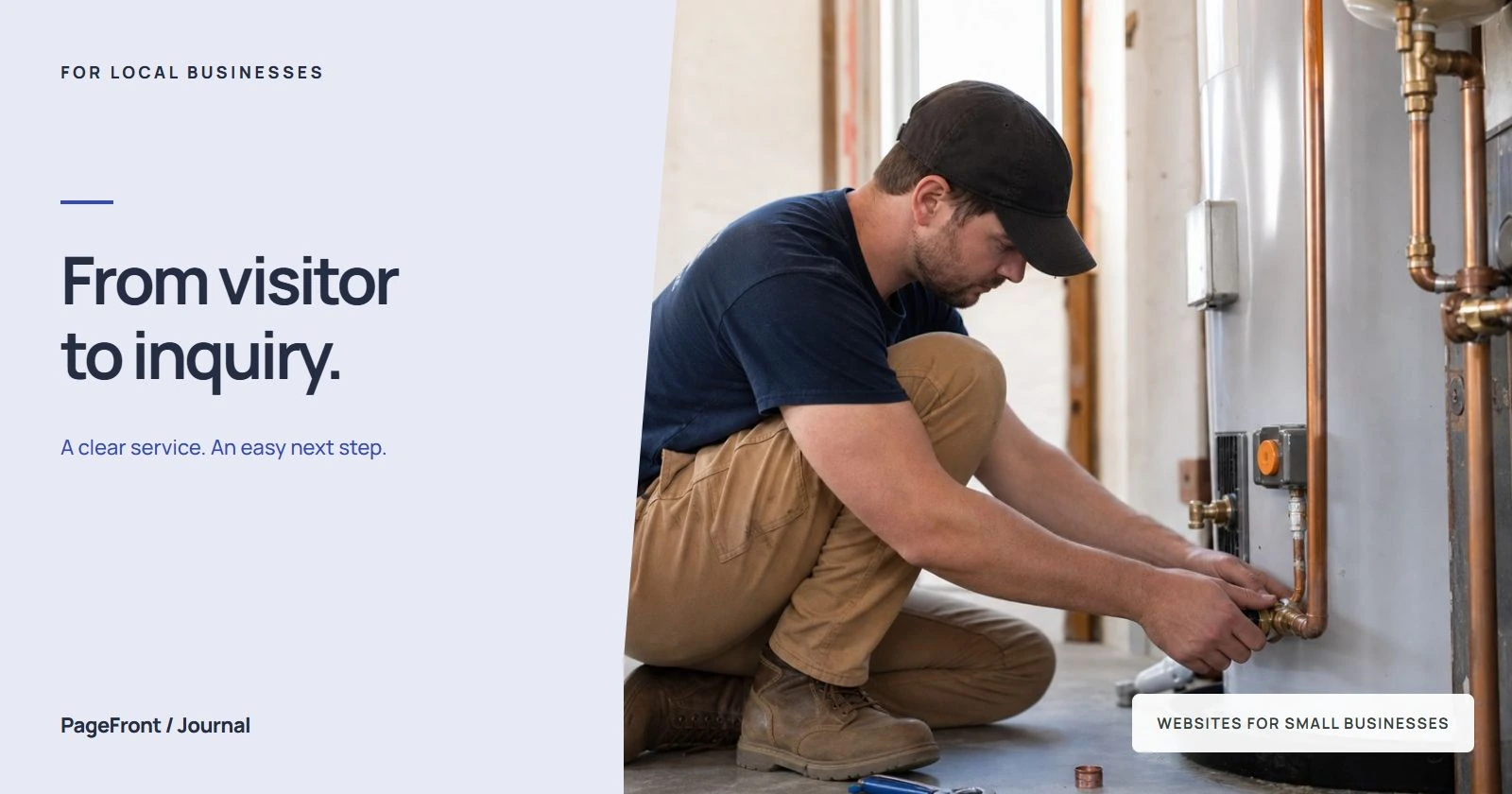
A polished homepage is useful only if a visitor can act on it. A homeowner comparing roofers needs different details from someone looking for a recurring cleaning service, but both need a clear answer to the same question: is this business right for my job?
Choose the action that fits the job
Start by deciding what a successful visit should lead to. For planned projects, that may be an estimate request. For routine maintenance, it may be a booking. For urgent repairs, a phone call may be the most useful option if your team can answer.
Make one action the main button on each service page. Use a label that describes the result, such as “Request a painting estimate” or “Book a cleaning.” Offer a secondary contact option for people who cannot use the first one. Repeat the main action after the service details and proof so visitors can act when they are ready.
Do not call an estimate request a confirmed booking. If you need to check availability first, say so beside the button. That small distinction sets the right expectation before someone sends their details.
Answer service and location questions immediately
Your opening section should name the work you do and the area you serve. “Quality you can trust” does not tell a homeowner whether you fix gutters, install roofs, or clean houses. A specific headline gives them a reason to keep reading.
For illustration, a painting company might use this opening:
Interior house painting in Arvada and Wheat Ridge. Tell us which rooms need painting, and we will contact you to discuss the project and arrange an estimate.
Use your actual services and towns. Add details that help visitors rule a job in or out: residential or commercial work, repair or replacement, one-time or recurring service. Our guide to writing website service areas explains how to describe coverage without leaving customers guessing.
Show proof close to the decision
Place relevant proof near the service description and contact action. For a remodeling project, that might be a real project photo with a caption explaining the work. For a cleaning service, it might be an accurate description of what a standard visit includes and a genuine customer review.
- Project photos: show work you actually completed and explain what changed.
- Customer reviews: use genuine feedback with clear attribution and permission where needed.
- Business details: identify the business and provide a working way to reach you.
- Credentials: include only qualifications, insurance statements, or guarantees you can accurately support.
Skip invented review scores, borrowed project photos, and badges that imply credentials you do not hold. If your business is new, explain your process and show your own relevant work honestly. See how to use before-and-after photos for practical ways to present project evidence.
Keep the first request easy to complete
An estimate form should collect enough information to respond and check whether the job fits. A useful starting point is a name, one reliable contact method, a town or ZIP code, and a short description of the service needed. If a photo would help but is not essential, make it optional.
W3C's accessible forms guidance recommends short forms that request only necessary information, with clear labels, instructions, and feedback. Apply that to your inquiry form: identify required fields, explain errors beside the relevant field, and show a clear confirmation after submission.
Explain the next step near the form. For example: “We will review your project details and contact you to discuss an estimate. Your appointment is confirmed after we agree on a time.” Only promise a response window if your team can consistently meet it.
Try the complete contact path on a phone
Open the site on your own phone and follow the path a customer would take. Start on a service page, find your area, inspect the proof, then contact the business. Pay attention to anything that makes you stop, zoom, or guess.
- Can you read the headline and service details without zooming?
- Does the phone button open the correct number?
- Are buttons easy to tap without hitting another link?
- Can you complete the form and understand any error messages?
- Does a test submission reach the person who handles inquiries?
- Does the confirmation explain what happens next?
Avoid putting essential information behind a large popup or a video someone must watch. Keep images appropriately sized so the contact path is not held up by unnecessarily large files. Test the actual published page after edits, especially when a phone number, form destination, or booking link changes.
Connect the website to your follow-up process
A submitted form is the start of a conversation. Decide who receives new requests, who replies when that person is unavailable, and how you record the outcome. A clear page cannot make up for an inquiry that nobody sees.
Keep basic notes on whether each inquiry was in your service area, suited the work you offer, reached an estimate, and became a booked job. If many requests are for services you do not provide, clarify the page before trying to generate more of the same traffic.
Measure useful inquiries, then change one thing
Define your measurement before comparing results. A completed inquiry form is different from a click on a call button, and both are different from a booked job. Avoid counting a button click and the resulting form submission as two separate leads.
For a simple website inquiry rate, divide completed inquiry submissions by visits over the same period, then multiply by 100. As an arithmetic example, 10 submissions from 500 visits is 2%. That is an illustration, not a benchmark or promised result. Also check how many submissions were suitable jobs.
Choose one clear problem to improve, such as a vague headline, an unclear service area, or an unnecessary required field. Record the change and compare similar periods. Small traffic totals, seasonal demand, and changes in where visitors come from can make a short-term increase misleading.
A practical conversion checklist
- Name your main service and location in the opening section.
- Choose a primary action that matches how customers hire you.
- Show relevant, genuine proof before asking for a commitment.
- Explain coverage, service limits, and the next step.
- Ask only for the information needed to handle the first request.
- Test the contact path on a phone and confirm inquiries arrive.
- Track suitable inquiries and booked jobs as separate outcomes.
Browse PageFront website examples to see ways to organize services and contact actions. For a broader content review, use the contractor website checklist.
See your home service website before paying to keep it live
PageFront builds websites for small local service businesses. Send your services, coverage area, contact details, and available photos online. We create a free website draft so you can review how customers will find the information they need and take the next step.
Keep it live from $39/mo, with no upfront design fee, no contract, and no sales call. Review PageFront pricing when you are ready to choose a plan.
Give homeowners a clear next step.
Start with a free website draft built around your services, local proof, and contact process.
Start your free website draftFrequently asked questions
What is a conversion on a home service website?
A conversion is a useful action you want a visitor to complete, such as sending an estimate request or booking a service. A phone-button click shows intent, but it does not confirm that a conversation or booked job happened.
Should my main button say call now or request an estimate?
Match the button to the service and how your team works. A call can suit urgent work when someone is available to answer. An estimate request can suit planned projects that need a description or photos. Make your preferred action prominent and offer a practical alternative.
How many fields should my estimate form have?
Ask only for information you need to respond and check the fit of the job. A starting point is a name, one reliable contact method, town or ZIP code, and a short service description. Add other required fields only when they are necessary for your process.
Can a website guarantee more booked jobs?
No. Results also depend on the visitors you attract, local demand, your offer, availability, and follow-up. A clear website can make contacting you easier, but an inquiry still needs to become a suitable quote and an accepted job.
Can PageFront build a free draft for my home service business?
Yes. PageFront builds a free website draft for small local service businesses. Keep it live from $39/mo, with no upfront design fee, no contract, and no sales call. Send your business details online to get started.