
Why Restaurant Menus Should Be Real Web Pages, Not Just PDFs
A PDF menu is better than no menu, but it is a clumsy first experience for someone deciding where to eat. A real web page loads quickly on a phone, is easy to scan, and gives customers the details they need without pinching, zooming, or downloading a file.
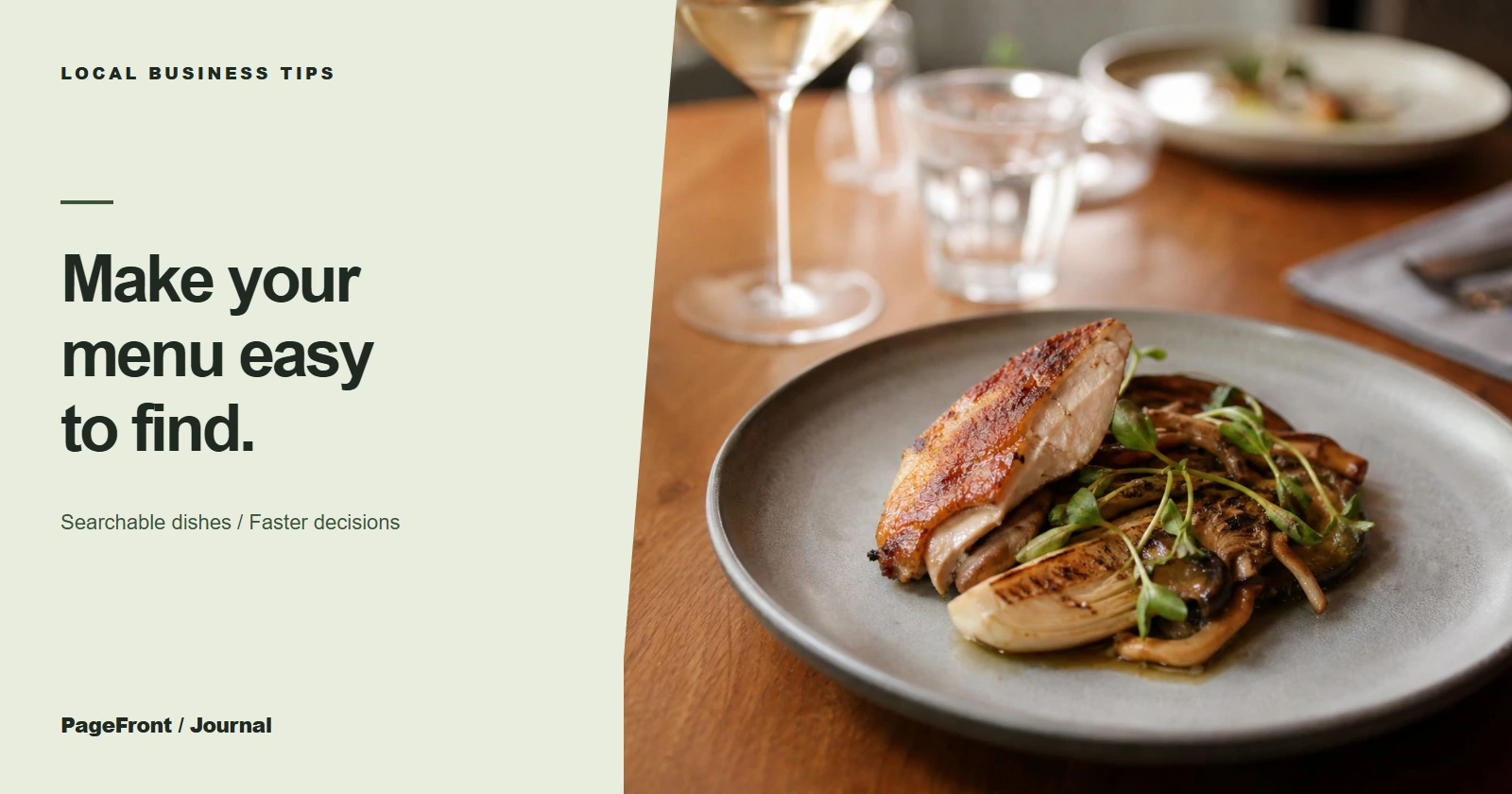
Let people read the menu where they already are
Most first-time restaurant visits begin on a phone. A web menu lets a visitor jump from appetizers to mains, read a short description, see a price, and decide whether the place fits the moment. A scanned PDF often asks them to wait for a download and zoom through a page designed for paper.
Keep a PDF if customers want to print it, but make the same core information available as HTML. The web page should not be a teaser that sends people elsewhere for the actual answer.
Give Google and customers useful context
Real menu text can explain what you serve: cuisine, signature dishes, dietary options, lunch specials, and local ingredients. That gives search engines clearer information to understand and gives a hungry visitor more confidence than a file name ever could.
A menu page works best alongside accurate hours, location, and contact details. See why your website and Google Business Profile work better together for the local-search side of that setup.
Make changes without creating friction
Prices and seasonal items change. A clean web menu can be updated one section at a time, so you do not have to replace a document and hope the new version is the one guests find. Date-sensitive specials can have their own small section rather than turning the full menu into a confusing image.
What a useful menu page includes
- Clear categories such as starters, mains, drinks, desserts, and kids' options
- Dish names, concise descriptions, and current prices
- Dietary information where it helps people choose safely
- Hours, location, and a visible phone or reservation path
- A direct link to online ordering when you use it
- A printable PDF only as an optional extra, not the sole menu
Build the menu around the next decision
Every restaurant website should make the next step obvious: order online, reserve a table, call, or get directions. That principle applies beyond menus, too. Our guide to restaurant website essentials covers the rest of the information guests look for before choosing you.
A simpler way to publish a restaurant website
PageFront creates clear websites for small local businesses, including restaurants that need menus, ordering links, and practical location details in one place. Review a free website draft first, then keep it live from $39/mo with no upfront design fee, no contract, and no sales call.
Put your menu where customers can use it.
See your restaurant's menu, ordering path, and key details in a free website draft.
Start your free website draftFrequently asked questions
Is it okay to have a PDF menu on a restaurant website?
Yes. A PDF can be useful for printing, but it should support a readable web menu rather than replace it.
Do web-page menus help a restaurant show up on Google?
They give search engines and customers readable information about dishes, cuisine, and dietary options as part of your overall local presence.
What should a restaurant menu page include?
Use category headings, dish names, short descriptions, current prices, dietary notes where useful, and a clear path to order, reserve, or call.
Can PageFront build a restaurant menu website?
Yes. Review a free draft, then keep it live from $39 per month with no upfront design fee, no contract, and no sales call.