
How Website Edits Work After Launch
After your PageFront website goes live, you can send us the change you need and we will update the site for you. You do not have to learn a website builder, hunt through settings, or schedule a support call.
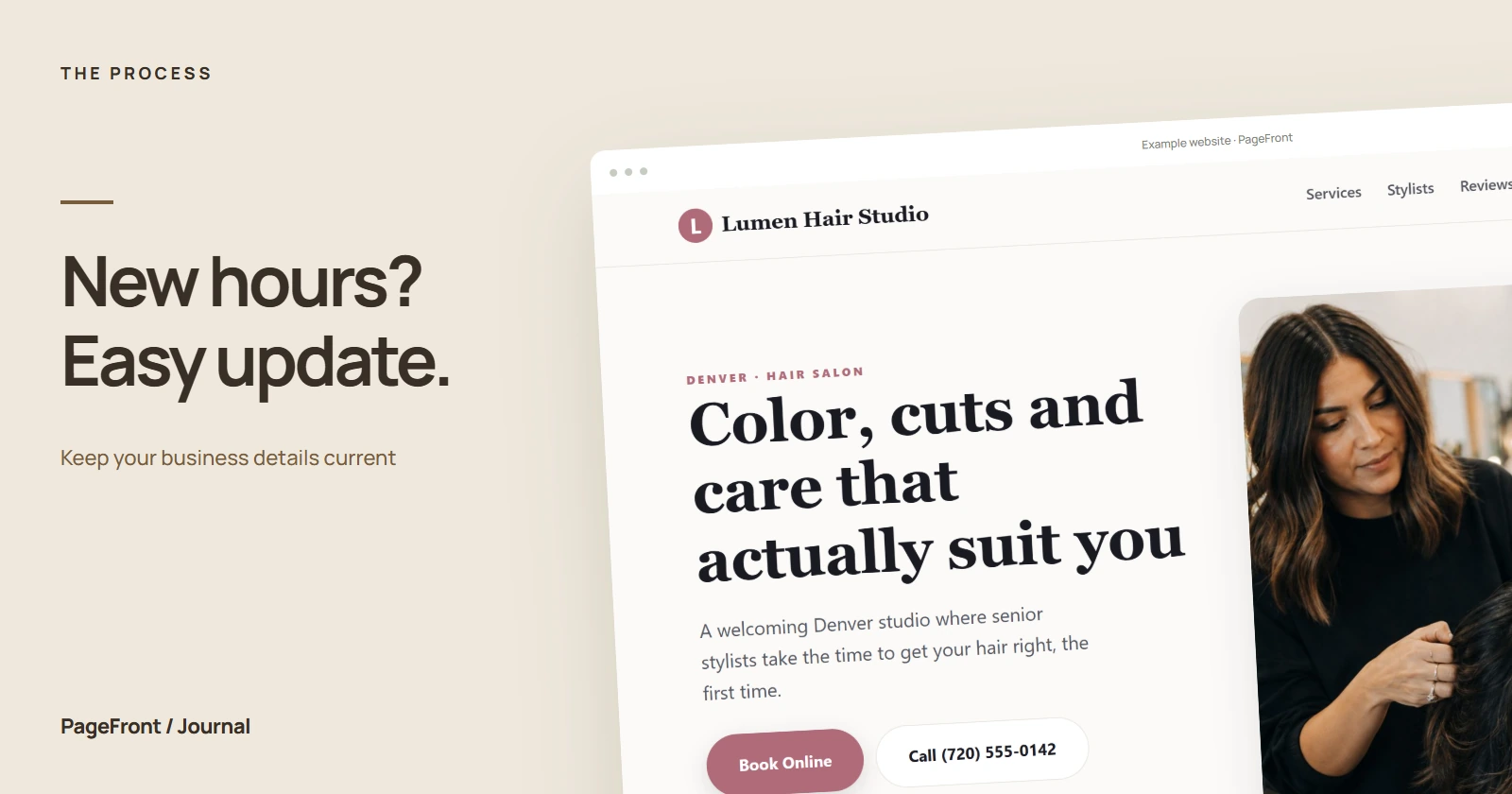
A business website is not a one-time brochure. Hours change, services grow, team members join, and better photos become available. Keeping those details current helps customers trust what they see and take the right next step.
The short version
- Send the request. Tell us which page or section needs attention.
- Include the new material. Paste the replacement wording or attach the photo, price, link, or detail.
- We make the update. We fit the change into the existing design and check it on the live site.
- You review it. If anything needs clarification, reply with a specific correction.
The written request creates a useful record of exactly what should change. That makes routine updates simpler than trying to explain several details on a call.
What counts as a routine website edit?
Most day-to-day business changes are straightforward content updates. Common examples include:
- Changing business hours, contact details, or service areas
- Adding, removing, or rewording a service
- Replacing a photo or updating a team bio
- Correcting a price, offer, booking link, or call to action
- Adding a certification, review, or recent project
- Fixing a typo or outdated fact
Routine content updates are included while your PageFront plan is active. If a request becomes a major redesign, a large new section, or a custom feature, we will explain the scope before doing extra work. The fuller policy is on our website edits page.
How to write a clear edit request
You do not need special terminology. Point to the page, identify the old content, and provide the new content. For example: “On the services page, replace ‘weekly lawn mowing’ with ‘weekly and biweekly lawn mowing.’”
For photos, send the original image when possible and say where it belongs. For a new link, include the complete URL. If several changes are related, put them in one numbered list so nothing gets lost.
Why managed edits can be easier than DIY editing
A do-it-yourself builder gives you direct control, but it also makes you responsible for spacing, mobile layout, broken links, image sizes, and accidental design changes. PageFront handles those details so you can focus on whether the business information is correct.
If you enjoy managing a builder and want to adjust the design every week, a DIY platform may suit you better. If you want to send the change and get back to running the business, managed edits remove another task from your list. Our guide to the best website option for a busy business owner compares the tradeoffs.
What to check after an update
Review the changed wording, phone number, link, price, or photo. Then check the page as a customer would: Is the next step clear? Does the new information agree with your Google Business Profile and other public listings? A quick accuracy check is more useful than rethinking the entire design after every edit.
If you are still deciding whether PageFront fits, see what happens after you request a site. You review a real website draft before deciding whether to launch.
Start with a free draft. Keep the website current without doing the upkeep.
PageFront builds your first website draft free. If you approve it, keep it live from $39 per month with routine edits included—no upfront design fee, contract, or sales call.
Start your free website draftFrequently asked questions
How do I request an edit to my PageFront website?
Send PageFront a clear note describing what should change and include replacement wording, photos, or links when relevant. You do not need to edit the site yourself or schedule a call.
Are website edits included in the monthly price?
Routine content updates are included with your active PageFront website plan. Larger redesigns, new custom features, or work outside the original site scope may need a separate estimate before work begins.
What kinds of website updates can I request?
Common requests include changing services, hours, prices, photos, contact details, team information, service areas, links, and calls to action.
Can I request edits without a phone call?
Yes. PageFront is built around a simple written process, so you can send an edit request without a sales or support call.