
How Florists Can Use Their Website for Seasonal Orders
A florist website earns its keep before the busiest weeks, not during them. A clear seasonal page helps customers choose an arrangement, understand the deadline, and place an order without a back-and-forth message when your hands are already full.
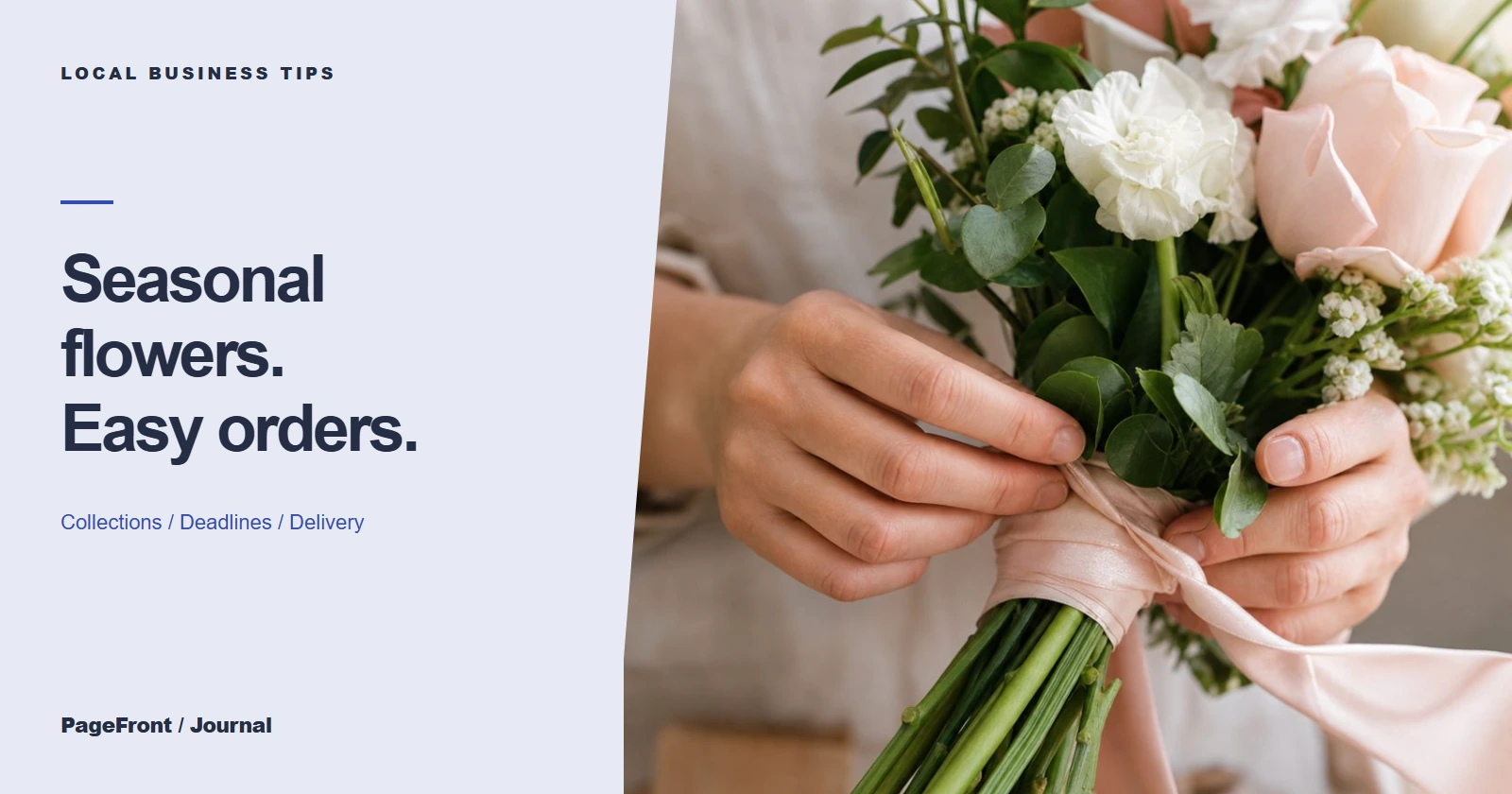
Give seasonal shoppers one calm place to decide
Valentine's Day, Mother's Day, graduations, sympathy occasions, and winter holidays all bring a different kind of order pressure. Your website can answer the same questions before they arrive in your inbox: what is available, what it costs, when to order, and whether delivery or pickup fits.
That does not mean you need to list every possible bouquet. A focused collection with honest photos, plain descriptions, and a simple order path helps customers decide faster and helps your shop set clearer expectations.
Build a page around the information customers need first
- A small group of seasonal arrangements with names, photos, and price points or starting prices
- Order cutoffs, delivery days, pickup hours, and the areas you serve
- What can be customized and what needs a quick confirmation
- A visible phone, order form, or ordering link for the next step
- A short note about substitutions, if flowers or colors may vary
Put the deadline near the top rather than hiding it in a social post. The customer who finds your page from a search should not need to guess whether there is still time.
Make room for search without sounding robotic
Use the words local customers naturally use: your city, the occasion, and the kind of flowers or service you offer. A page called “Mother's Day flower delivery in [your town]” can be useful when it honestly describes the collection and delivery area. It is more helpful than sending every visitor to a general homepage.
That page works alongside your local listing, too. Read why your website and Google Business Profile work better together for the bigger picture.
Prepare the page before your calendar fills up
Start with a reusable seasonal layout. When the next occasion arrives, swap in the collection, revise the deadline, and keep the order path familiar. This makes your website easier to maintain than rebuilding a campaign from scratch every time.
If your offerings change quickly, use a concise “this week” note and a direct way to ask about availability. Clear information is better than pretending every pictured stem is guaranteed.
A simpler website for a busy flower shop
PageFront builds clear websites for small local businesses, including florists that need seasonal collections, delivery details, and an easy way to start an order. Review a free website draft first, then keep it live from $39/mo with no upfront design fee, no contract, and no sales call.
Make the next seasonal rush easier.
See your flower shop's seasonal offers, delivery details, and order path in a free website draft.
Start your free website draftFrequently asked questions
When should a florist publish seasonal order information?
Publish it before the rush, while customers are beginning to plan. Include order deadlines, delivery areas, pickup hours, and the exact way to order.
What should a florist seasonal order page include?
Show clear arrangement options, price ranges or starting prices, delivery and pickup details, order deadlines, and a visible way to order or ask a question.
Should every floral holiday have its own website page?
Create a dedicated page when the occasion has its own selection, timing, or search intent. A flexible seasonal hub can work well for smaller occasions.
Can PageFront build a florist website?
Yes. Review a free draft, then keep it live from $39 per month with no upfront design fee, no contract, and no sales call.