
What Photos Sell Food and Retail Websites Best?
The best food and retail website photos do more than look good. They help someone picture the product, understand what they can buy, and feel confident taking the next step.
Start with the thing people came to choose
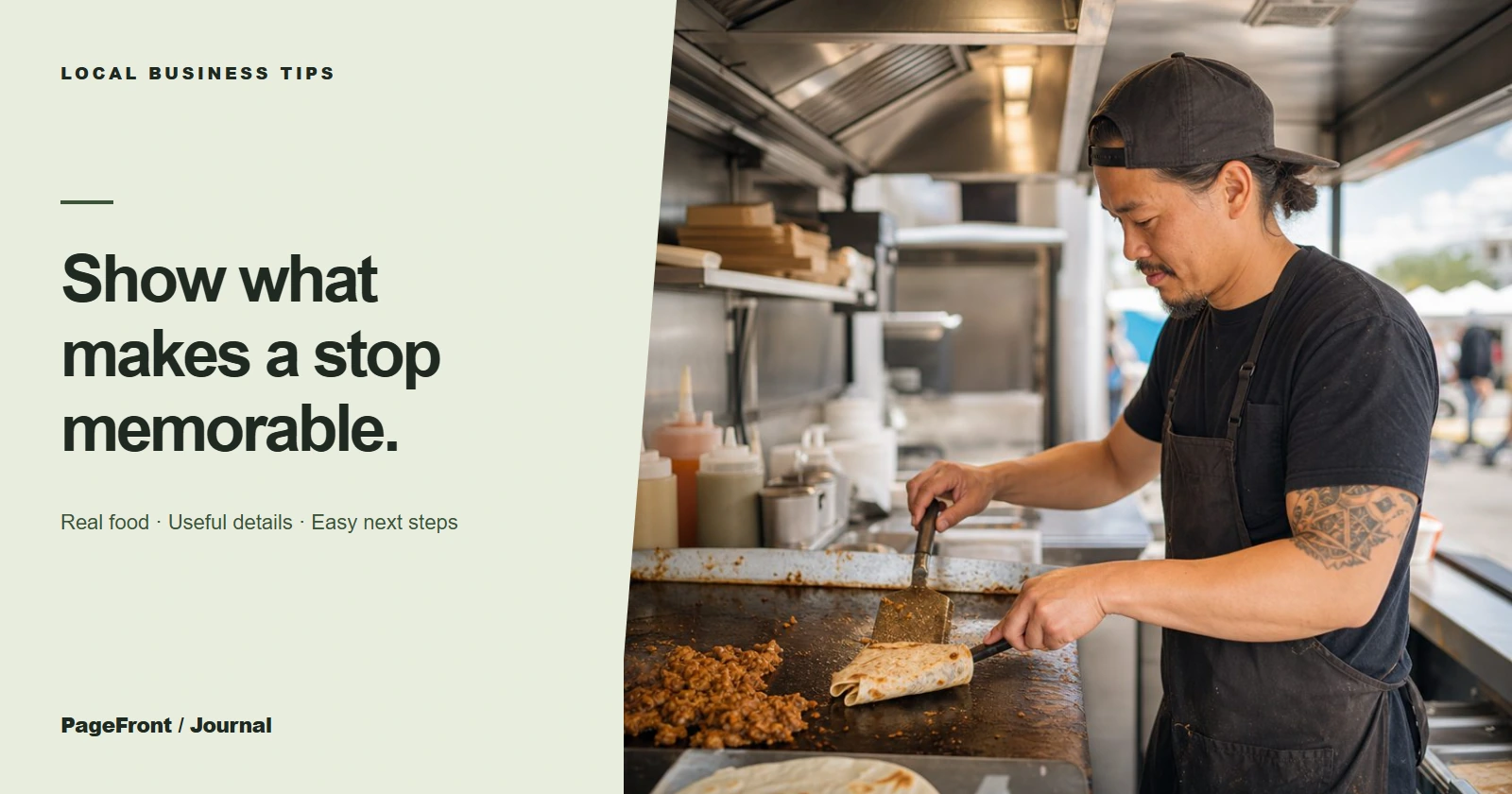
For a bakery, that may be the cake, pastry, or custom order. For a shop, it may be the product, collection, or gift idea. For a food truck, it may be the meal at the window. Put those real, current photos where customers see them early.
A photo should answer a simple question: “Is this what I can get from you?” When it does, it gives the rest of the page a job—showing the menu, collection, location, hours, or order path.
Use a mix of product and context photos
- Hero photo: one inviting image that represents your best-selling product or experience.
- Detail photos: close views that show texture, portions, ingredients, packaging, or craftsmanship.
- Context photos: a customer pickup, a market setup, a shelf, a counter, or a meal being served.
- Practical photos: signage, the storefront, or a service window that makes the visit feel easy to plan.
Not every photo needs to be perfectly styled. It needs to be accurate, well lit, and useful. A bright phone photo can earn its place when it clearly shows a seasonal special or what an order looks like.
Give photos a reason to be there
Caption or pair photos with the decision they support. Place a custom cake photo beside your order information. Put a storefront photo next to your hours and directions. Add a catering spread near the event inquiry link. This is more helpful than a gallery that asks visitors to guess what happens next.
If you have a menu, make it easy to read as a web page too. Real menu pages work alongside photos, search better, and are easier to open on a phone.
Keep the photo plan current
Seasonal businesses do not need a full reshoot every month. Start with a dependable set of evergreen images, then add a few current ones for seasonal menus, products, events, or holiday orders. Retire photos that no longer match your offerings, location, or level of work.
Make the next step visible
Photos earn attention; clear details convert it. Put a simple button near your strongest images: see the menu, browse the collection, check availability, get directions, or send an inquiry. If customers need a quote, explain what information to have ready.
PageFront builds clear, practical websites for small local businesses. Review a free draft first, then keep it live from $39/mo with no upfront design fee, no contract, and no sales call.
Put your best work in front of local customers.
See how your products, photos, and next steps could look in a free website draft.
Start your free website draftFrequently asked questions
What photos should a restaurant website have?
Use real food photos, a welcoming view of the space or service, useful menu context, and a clear image of how customers order, visit, or book.
Do food businesses need professional photography?
Professional photography helps, but useful, current, well-lit photos are more important than an expensive shoot. Start with your best real products and add photos over time.
How many photos should a food or retail website use?
Use enough photos to answer the customer's questions without repeating the same angle. A strong homepage can begin with five to ten purposeful images.
Can PageFront build a food or retail website?
Yes. Start with a free draft, then keep it live from $39 per month with no upfront design fee, no contract, and no sales call.