
Why Beauty Pros Need More Than an Instagram Link
Instagram can show clients your work. A simple website helps them understand your services, prices, location, and booking options before they choose an appointment.
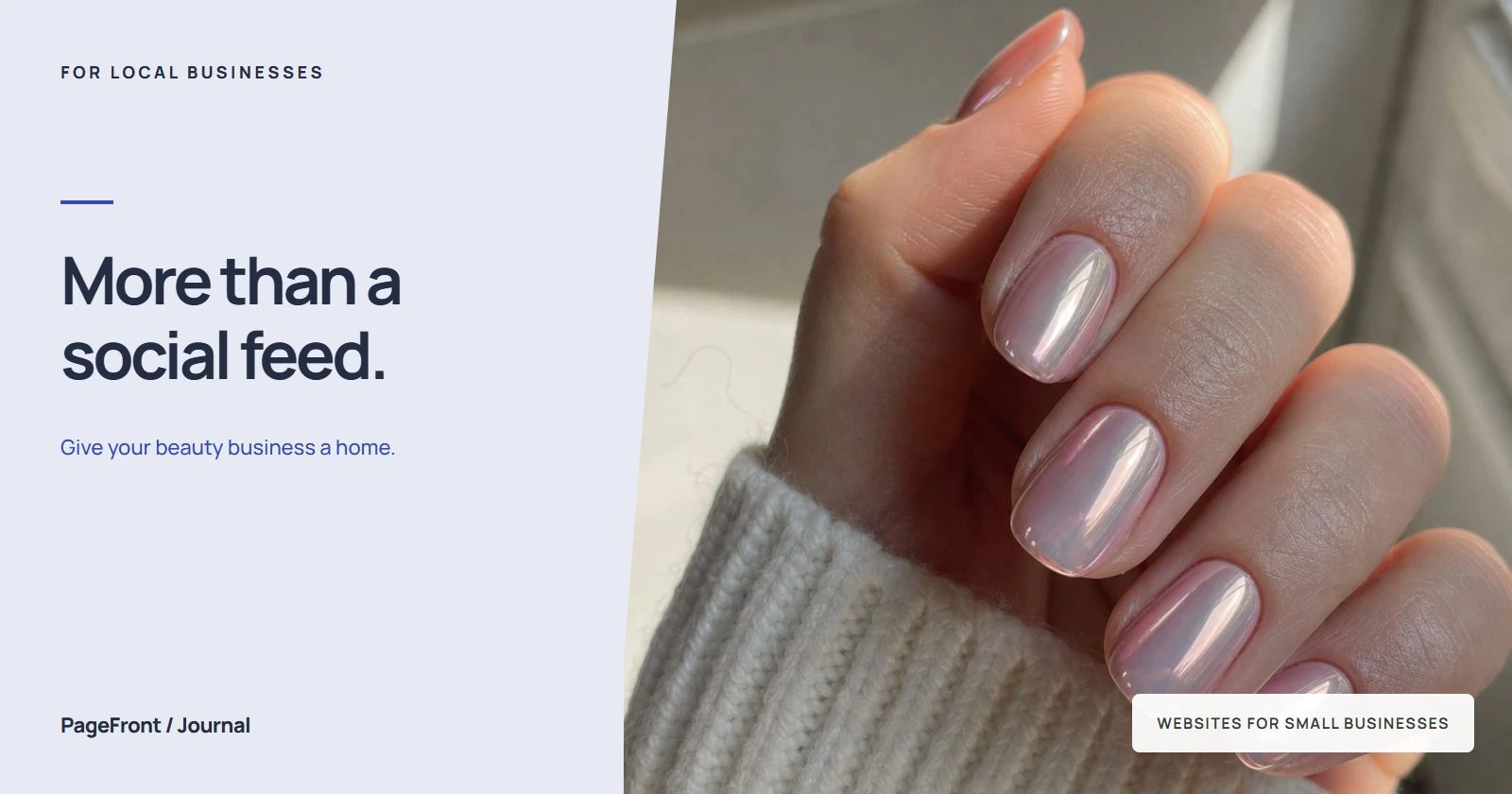
A beautiful photo can make someone want your work. It does not always tell them which appointment to choose. A new client may still need to know whether you offer their service, what the price includes, where you work, and how to prepare.
Give each part of your online presence a clear job: use Instagram to show fresh work and start conversations, your website to explain the experience, and your booking page to handle appointments. The goal is a short, understandable path from “I like this” to “I know what to book.”
Where an Instagram link leaves questions unanswered
Imagine someone sees a set of detailed nail art on your profile. They love the result, but your booking menu lists a full set, an infill, removal, and several art add-ons. They do not know which combination matches the photo. Sending them straight to a menu may leave them guessing or messaging you for help.
The same problem comes up with color appointments, lash fills, brow services, and other treatments with different lengths or preparation needs. Before booking, a first-time client may ask:
- Do you offer this result for someone in my situation?
- Which service name matches the photo I like?
- What does the price include, and what costs extra?
- How long should I allow for the appointment?
- Where are you located, and how do I find your suite?
- Do I need a consultation before choosing a slot?
Put those answers together on a page you can share. That gives referrals, social visitors, and people who already know your business name the same useful starting point.
Use your website to connect the work to the service
A portfolio should help someone choose, not just admire. Select a small group of your own photos, with permission from the people pictured. Add a plain-language caption that names the service and explains any relevant extras.
For example, a nail photo could say: “Full set with detailed art. Choose the full-set appointment and the detailed-art add-on. Existing product removal is booked separately.” This is sample wording; use only the options and instructions that match your actual menu.
A colorist might explain when a consultation is needed instead of suggesting that every client can book the pictured result immediately. A lash artist can clarify the difference between a full set and a fill. Keep the explanation close to the image, then link to the next step.
For more detail, see our website checklist for nail techs and guide to choosing business website photos.
Give new clients the details returning clients already know
Your regulars know how to find you and which service they usually book. A new client needs that context. Write your website for the person visiting for the first time.
- Services: explain what each appointment includes using the same names as your booking menu.
- Prices: show the price or explain what changes a starting price. Keep add-ons clear.
- Time: list appointment lengths where useful, using your actual booking schedule.
- Location: include your town, address or appropriate location guidance, suite details, and entrance instructions.
- Preparation: explain what to bring or do before the visit, based on the services you provide.
- Policies: make deposits, cancellations, rescheduling, and late-arrival information easy to find before booking.
A short introduction helps too. Say who you work with, what you specialize in, and what a first appointment is like. Specific details are more useful than calling every service “luxury” or every result “perfect.”
Keep your booking system and make the path clearer
You do not need to change appointment software just to add a website. Link the main booking button to your existing business booking page. If the system provides a suitable direct service link, test it before using it beside that service.
Use “Book an appointment” when someone can choose and confirm a slot. Use “Request a consultation” when you need to review their needs first. Explain what happens after the click, especially if an inquiry does not reserve an appointment.
If you use GlossGenius, see how a PageFront website can link to your GlossGenius booking page. The website supplies your introduction, service context, and portfolio; the booking destination remains the place clients complete the appointment process.
Avoid copying availability onto a page you cannot keep current. Send visitors to the booking system for available times, and keep prices and service names consistent wherever they appear.
Make one useful destination for every referral
A website address on your own domain gives you a consistent link to put on business cards, referral messages, and your social profile. You can update the page behind that address as your services, photos, or booking destination change.
This is especially helpful when someone recommends you without sharing a particular post. Your homepage can immediately explain what you do, where you work, and how to become a client. Keep your Instagram link available for visitors who want to explore more recent work.
You do not need a large site to do this. A solo beauty professional can start with one organized page. Add separate pages only when a specialty, team, or service needs more room. Our guide to what a salon website should include offers a fuller checklist.
Check the journey on your phone
Open your public profile and follow the same route a new client would take. Then run this quick check:
- Open the website link and confirm your specialty and location are easy to find.
- Choose a portfolio photo and identify the matching service.
- Find the price, appointment length, and any preparation or add-on details.
- Read arrival instructions and key policies.
- Tap the booking button and verify it opens the correct business or service.
- Check whether the next step confirms a slot or submits a request, without placing a test booking in a real appointment slot.
If any step requires guessing, add a short explanation or adjust the link. Repeat the check when you change a service, move locations, or switch booking pages.
See your beauty business website before you pay
PageFront builds websites for small local service businesses. Share your business details, services, photos, and booking link online, then review a free website draft. Keep it live from $39/mo, with no upfront design fee, no contract, and no sales call.
Explore PageFront pricing or use your existing profile and rough notes as a starting point for the draft.
Turn interest in your work into a clear next step.
Get a free website draft built around your beauty services, portfolio, and booking link.
Start your free website draftFrequently asked questions
Do beauty professionals need a website if they use Instagram?
A website is useful when new clients need service details, pricing, location, policies, or help choosing an appointment. Instagram can remain your place for fresh work and conversation, while the website organizes the information clients need before booking.
Is a booking link enough for a beauty business?
A booking page may be enough for returning clients who know exactly what to choose. New clients may need examples, service explanations, and preparation details first. A simple website can provide that context and send them to the same booking page.
Can I keep my existing booking system?
Yes. Your website can link to your existing booking page. Use matching service names and prices, check the destination on a phone, and make it clear whether the client is confirming a slot or requesting an appointment.
What should a beauty professional put on a one-page website?
Start with your name, specialty, location, service menu, representative work, a short introduction, arrival details, key policies, and a clear booking button. Choose real photos that help clients understand which service to select.